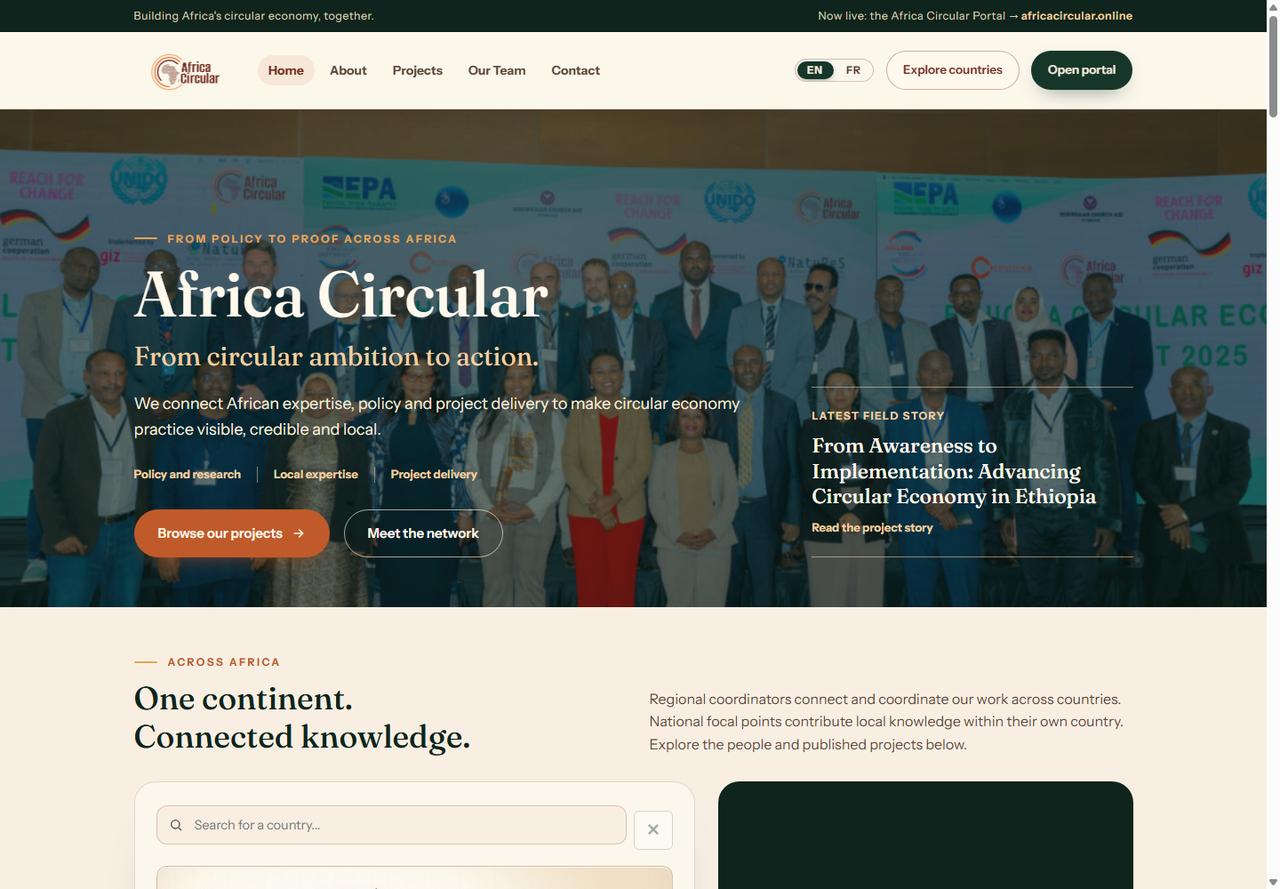
Africa Circular logoRestricted internal tool

Africa Circular CV Intelligence Platform

Convert CV submissions into a structured, searchable talent database for Africa Circular. Access is limited to authorised staff only.

Authorised use notice: Only authorised Africa Circular staff may use this system. By uploading documents, you confirm that you have permission to use, upload, and process the files, and that you accept responsibility for appropriate data handling and compliance.
Africa Circular logo
CV Intelligence PlatformAuthorised Staff Only
Operator: Not setNo candidate records loaded
EXTCheckingTRNChecking
Admin

Secure Supabase database mode

This version signs in authorised staff with Supabase, uploads CV files to a private storage bucket, and saves candidate records directly to the secure database.

Operating mode: Supabase database and private CV storage are connected. Team-use controls are limited to Supabase refresh, review, search, reports and CV package exports.

Database controls

Candidate records are loaded from Supabase after sign-in. Team-use controls are limited to Supabase refresh, review, search, reports and CV package exports.

Status: Sign in to load candidate records from Supabase.
Supabase database mode active.
No CV files cached locally
Supabase cloud file store: connected.
CV Candidates
0
Missing EN Transcripts
0
Needs Review
0
Reviews Done
0
Duplicates
0
Ready to Use
0

Upload CVs

Use drag-and-drop, upload files, or select a synced SharePoint folder. Bulk uploads are processed with progress tracking.

Drop CV files here

PDF and DOCX only. Legacy DOC, macro-enabled Office files, images, ZIPs, HTML, scripts and executable files are blocked for safety. For best accuracy use clear files with full contact, education, experience, dates and sector details.

Recommended upload batch: 50 CVs. Warning above 75; maximum 100 per batch.

Batch progress0%
Current fileIdle

Accuracy & file-reading engine

Transparent steps used to reduce missed data and identify records that need human review.

Bilingual support: the interface can switch between English and French, and extraction uses English/French keyword dictionaries for sectors, education, readiness and skills.

1
Native PDF extractionReads text objects across all PDF pages, including page-level text fragments.
2
DOCX extractionExtracts document text from Word CVs using browser-based parsing.
3
OCR flaggingScanned/image-like CVs are flagged for OCR or manual review.
4
Integrity checksChecks file type, file size, text volume and parsing errors.
5
Duplicate detectionCompares email, phone, name, file name, file size and text fingerprint.
6
Confidence scoringScores completeness of contact, sector, education, experience and extracted text.
7
Human reviewStaff can correct missing fields and preserve those corrections in the master database.